 Digital Signage
MATX Help Center
Step-by-step guides, tutorial videos and answers for the MATX Digital Signage portal.
Browse by topic
Getting started
What MATX is, how to sign in, find your way around the portal and publish your first content.
- Welcome to MATX Digital Signage
- Sign in and find your way around
- Quick start: publish your first content
Organizations, users and roles
Organize your network with Virtual Spaces, manage users, and control access with roles.
- How MATX organizes your network
- Create a Virtual Space
- Add members to a Virtual Space
Devices and player pairing
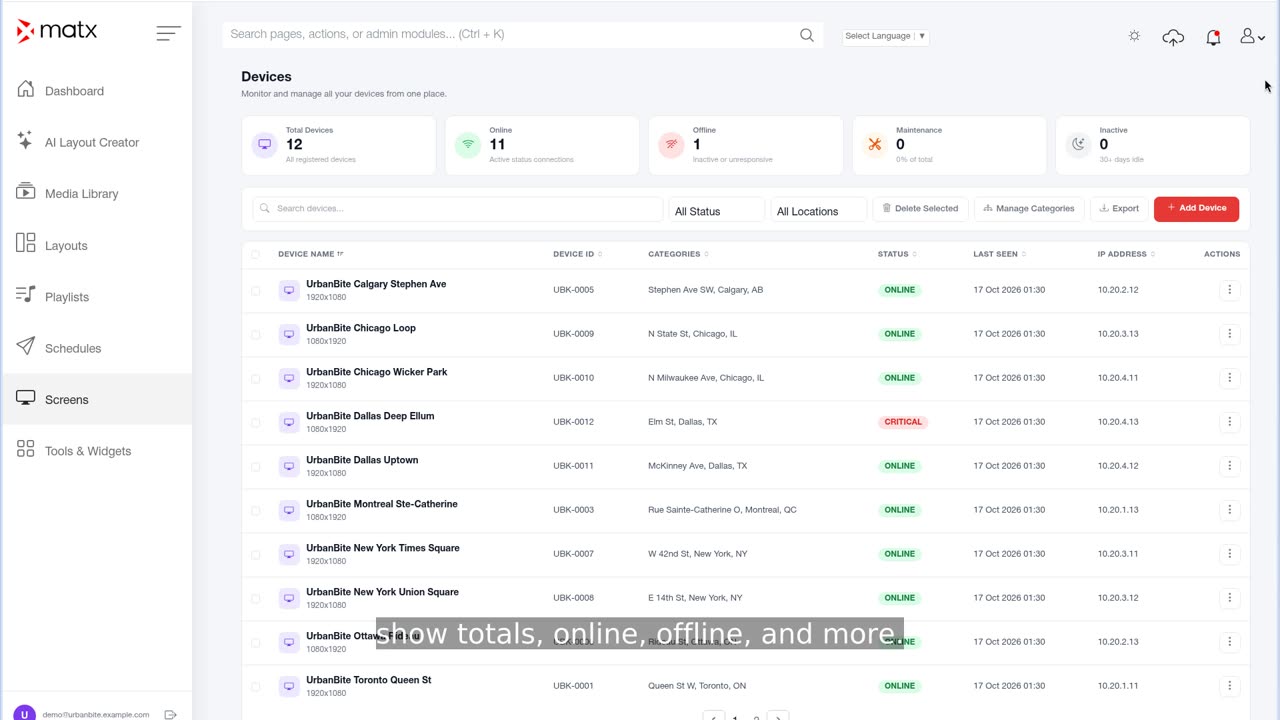
Add screens, install and activate the player app, assign licenses and monitor device status.
- Before you add a screen
- Add a device in the portal
- Install and activate the player app
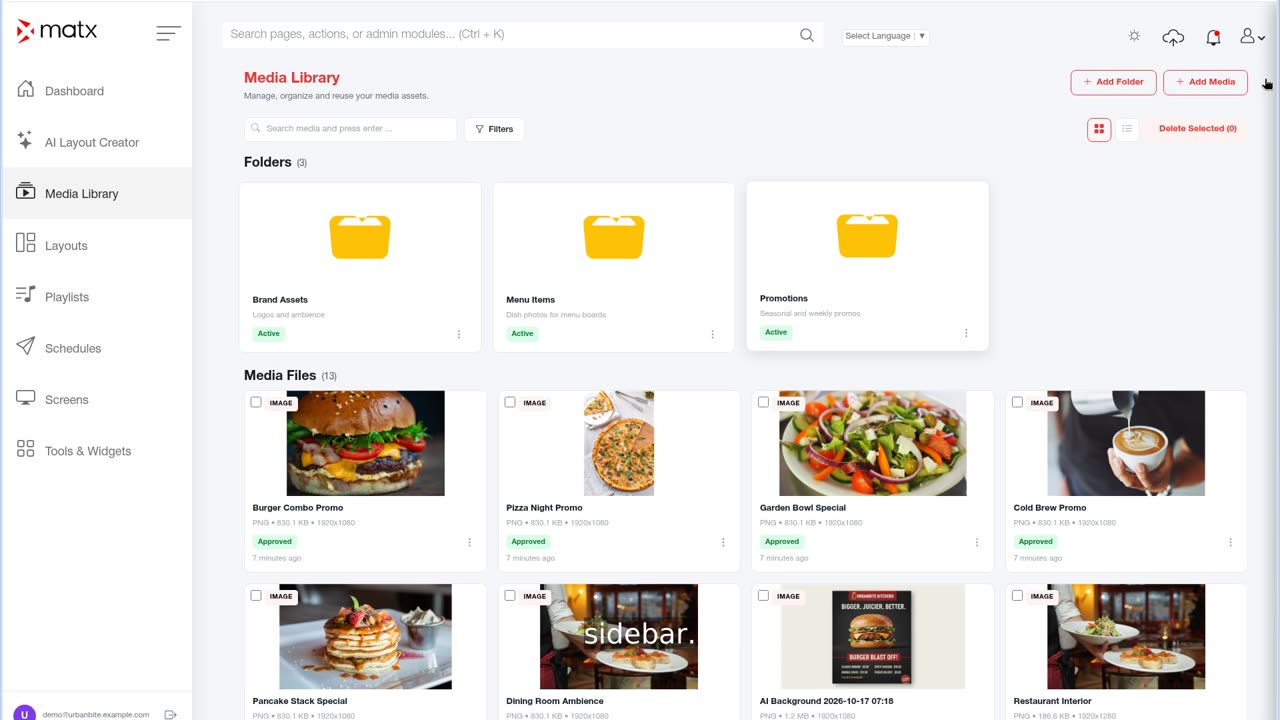
Media library
Upload and import images and videos, add fonts and webpages, and edit media details.
- About the Media Library
- Upload media from your device
- Import from Google Drive, OneDrive or Dropbox
Playlists
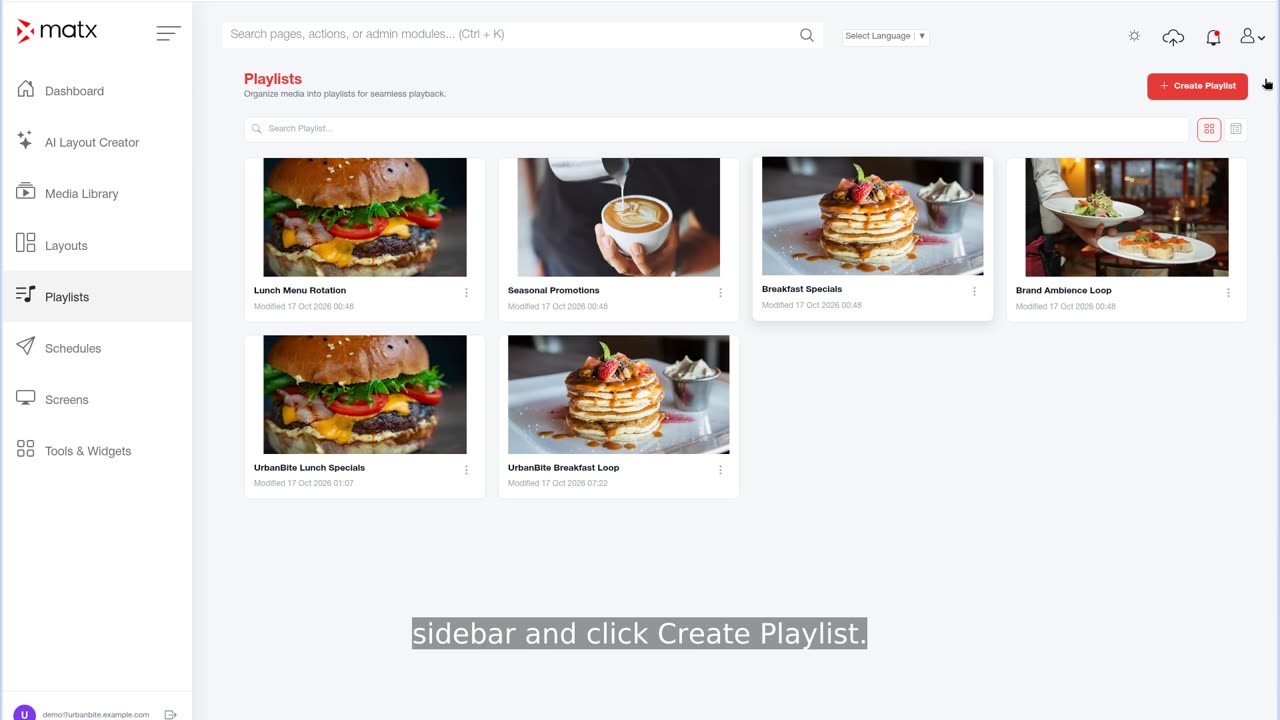
Put content in order, set how long each item plays and publish the playlist.
- Create a playlist
- Set item durations
- Publish a playlist
Layouts and widgets
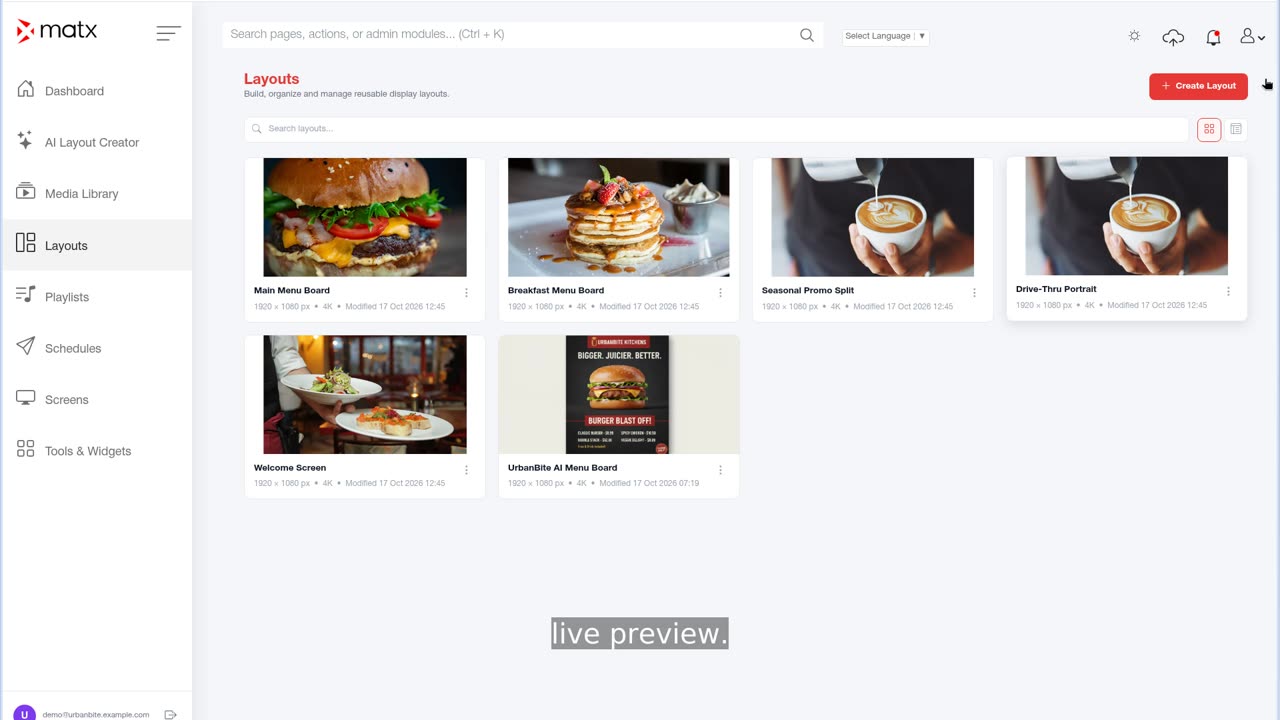
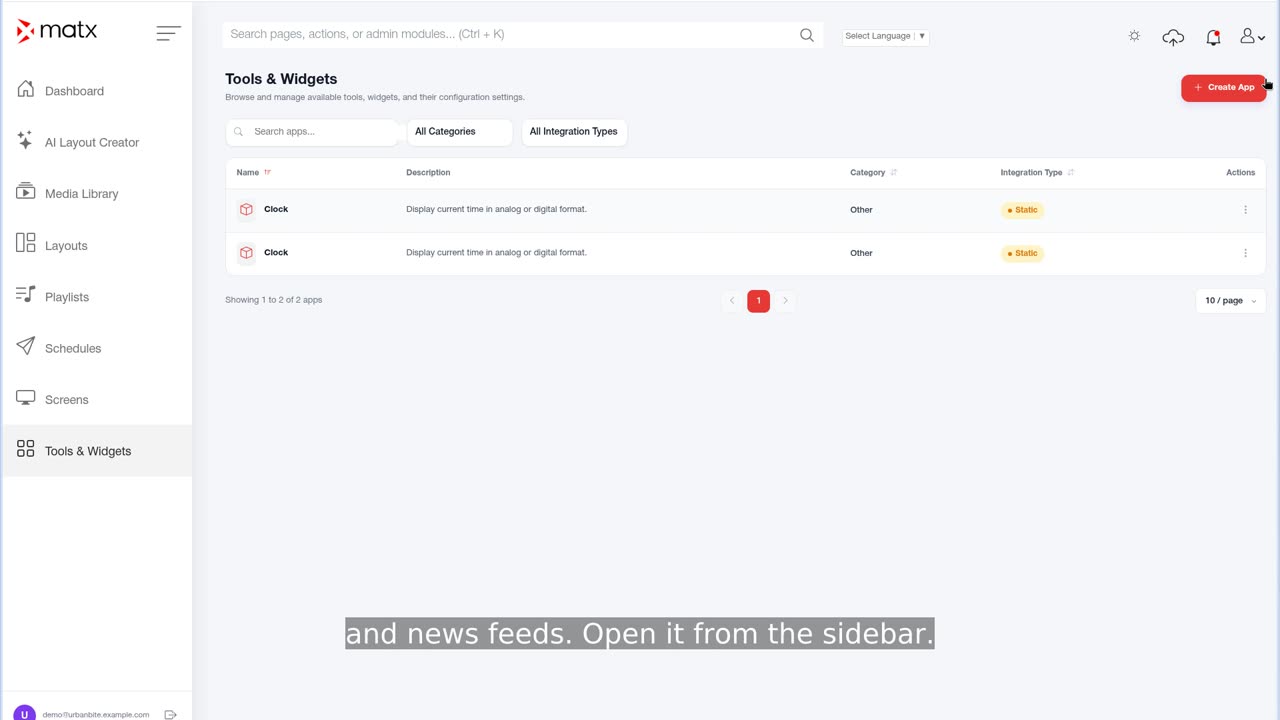
Design layouts with zones and layers, generate options with the AI Layout Creator and add live widgets.
- Layout basics
- Build a layout in the editor
- Generate layouts with the AI Layout Creator
Campaigns and scheduling
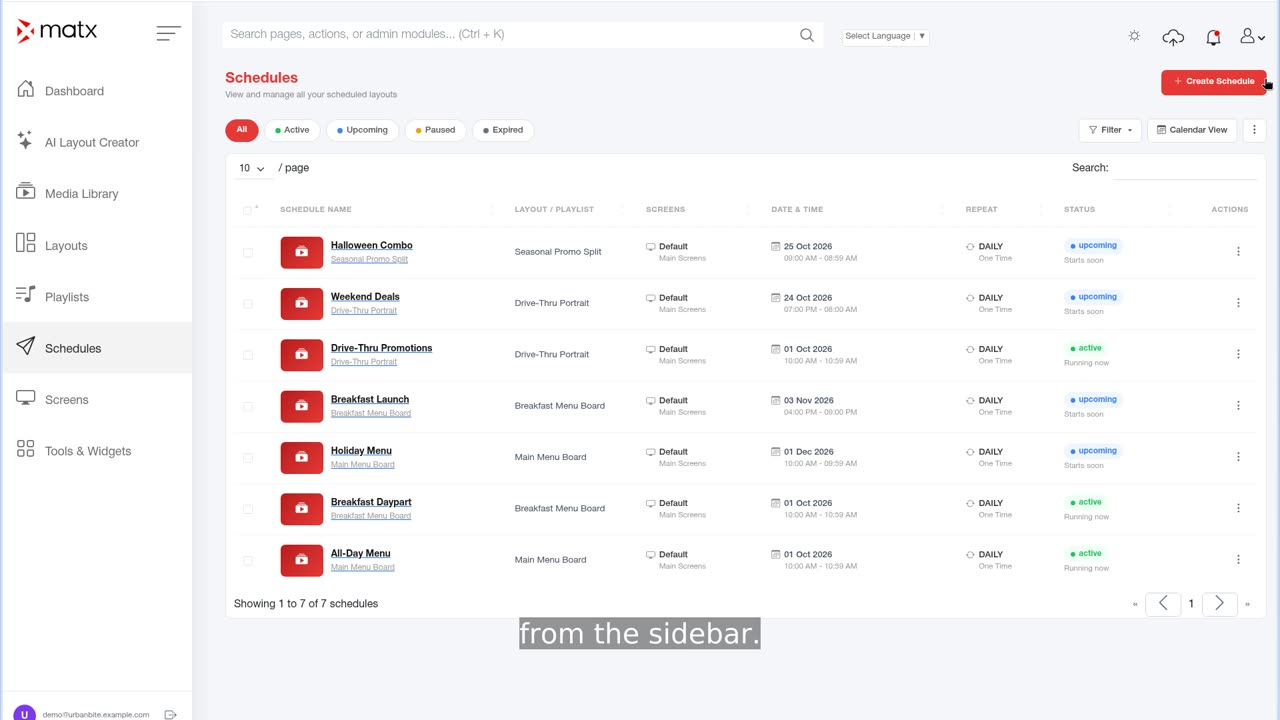
Plan campaigns, schedule playlists and layouts by date, day and daypart, and target screens.
- Plan a campaign
- Create a schedule
- Schedule by daypart
Approvals
Control who can publish with Roles & Permissions and review changes in Audit Logs.
- How content review works in MATX
- Restrict who can publish
- Set up a review process
Dashboard and reports
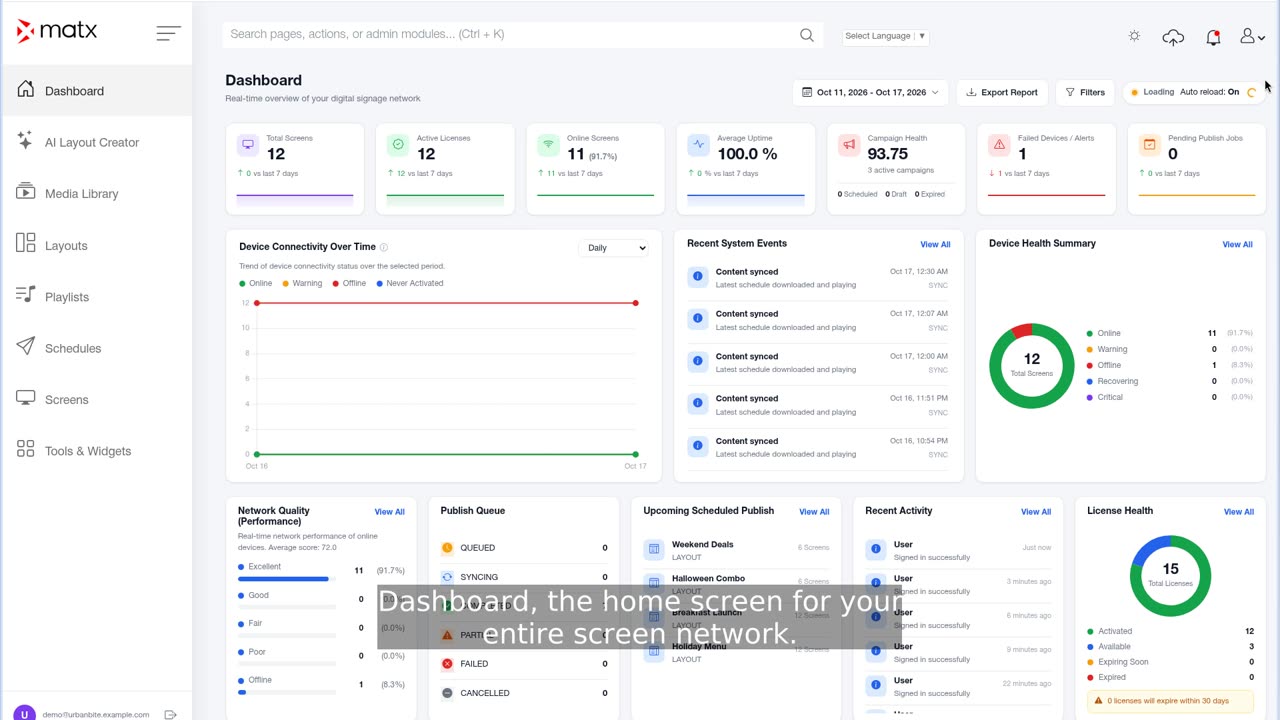
Read the Dashboard cards and charts, filter by date range and report on activity.
- Read the Dashboard
- Health charts, Publish Queue, Recent Activity and System Events
- Filter by date range and report on activity
Troubleshooting
Fix offline devices, content that does not update, stuck uploads, timeouts, widget and thumbnail issues.
- A device shows Offline
- Content is not updating
- An upload is stuck or fails
FAQ
Answers about licensing, supported media, offline playback, users, time zones and security.
- Licensing
- Supported media
- Offline playback
Tutorial videos
Short walkthroughs of each area of the portal, with captions. Each tutorial also has a step-by-step page with screenshots.
Still need help?
Email support@matxsignage.com and tell us your Device Name or what you were trying to do.
Contact us